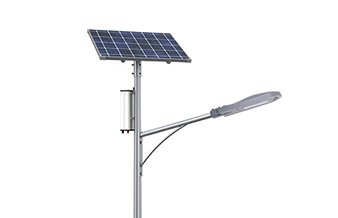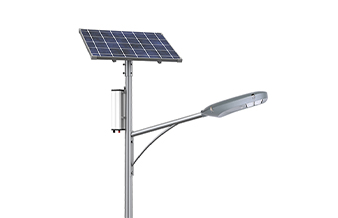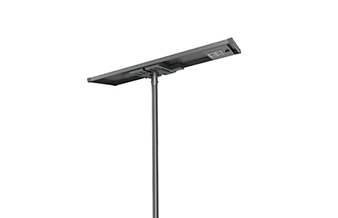

When a solar street light stops working, a common first reaction is: ”The light is off—maybe replace the LED,” or “Is the controller broken?”
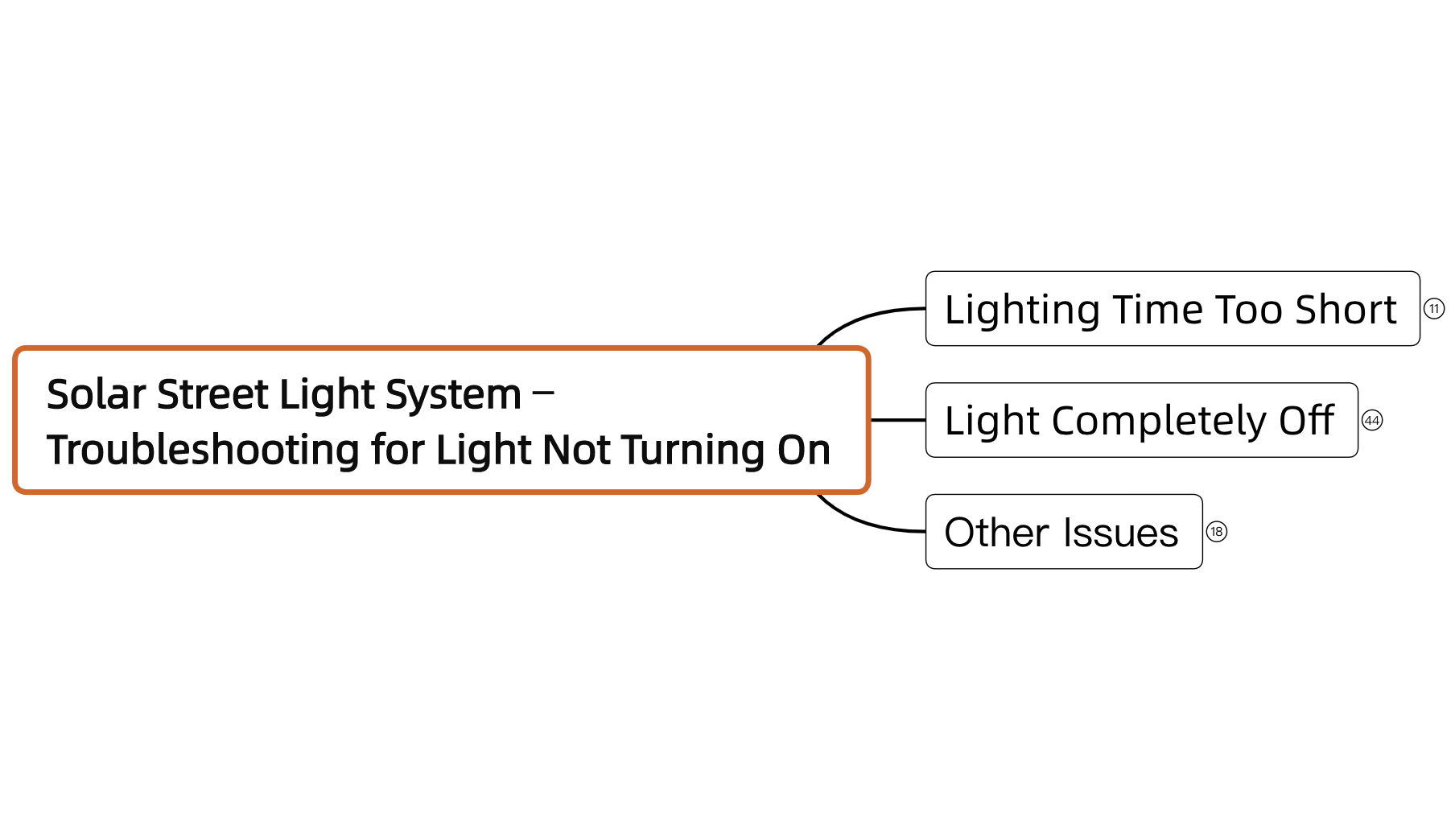
In practice, most failures are not caused by a single faulty component. More often, they result from an imbalance between the power supply, energy storage, and control system. Instead of dismantling the fixture blindly, it is more effective to follow the system chain. Based on years of field experience, the SOKOYO technical team has developed a structured troubleshooting approach to reduce unnecessary on-site work.
1. First Step: Identify the Type of Issue
Before climbing the pole, start by identifying the situation:
Completely off: Focus on the power supply chain (battery status and solar charging).
Abnormal lighting (flickering or dim): Focus on the load (LED) or controller settings.
This step helps avoid unnecessary disassembly—for example, opening the lamp head only to find the issue is a depleted battery.
2. Voltage Is the Key Indicator
On-site, a multimeter provides the most direct information.
Normal voltage:
The battery is supplying power, and the main circuit is intact.
Next, check the controller output and wiring to the light source.
Low or no voltage:
Replacing the controller will not solve the issue.
Instead, check whether the solar panel is charging during the day, or whether the battery is in over-discharge protection or has degraded.
3. Do Not Be Misled by the Light Source
Burnt or blackened LEDs are often treated as the root cause, but in many cases, they are only the result.
If the damage is caused by overvoltage or poor heat dissipation, replacing the light source alone will not prevent recurrence.
It is recommended to:
Check whether the output voltage is stable
Inspect wiring connections for loose contacts
4. Use the Remote Controller as a Diagnostic Tool
The remote controller is not just for switching the light on and off—it is mainly used to read system data.
For issues such as early shut-off or unstable brightness, check:
Real-time battery voltage
Current operating mode
Output power status
These data points help determine whether the issue is hardware-related or due to incorrect settings.
5. Battery Evaluation Requires More Than Voltage
A battery may show voltage under no load but drop quickly once connected.
Typical signs:
Works initially after installation, then stops after a few days
Slow recovery after several cloudy days
In most cases, this indicates reduced storage capacity or issues on the charging side (panel orientation or shading), rather than a controller fault.
6. Check Charging to Prevent Recurrence
Restoring light output is not enough—the system must remain stable over time.
On-site, check:
Whether the solar panel is shaded
Whether there is dust accumulation
Whether charging conditions are adequate
A simple method:
Observe whether the battery voltage increases during the day
If there is no increase, the issue lies in the generation side, and the system will not sustain operation even after temporary fixes.
Conclusion: A Structured Approach Improves Efficiency
Troubleshooting solar street lights should follow a logical sequence rather than trial and error:
Check voltage→read controller data→inspect the load→review charging conditions
This approach improves accuracy and reduces repeated disassembly and replacement.
A complete troubleshooting flowchart based on this logic has been compiled for field use and remote support.
For the full version, please contact us.
Currently the last one.